Overview
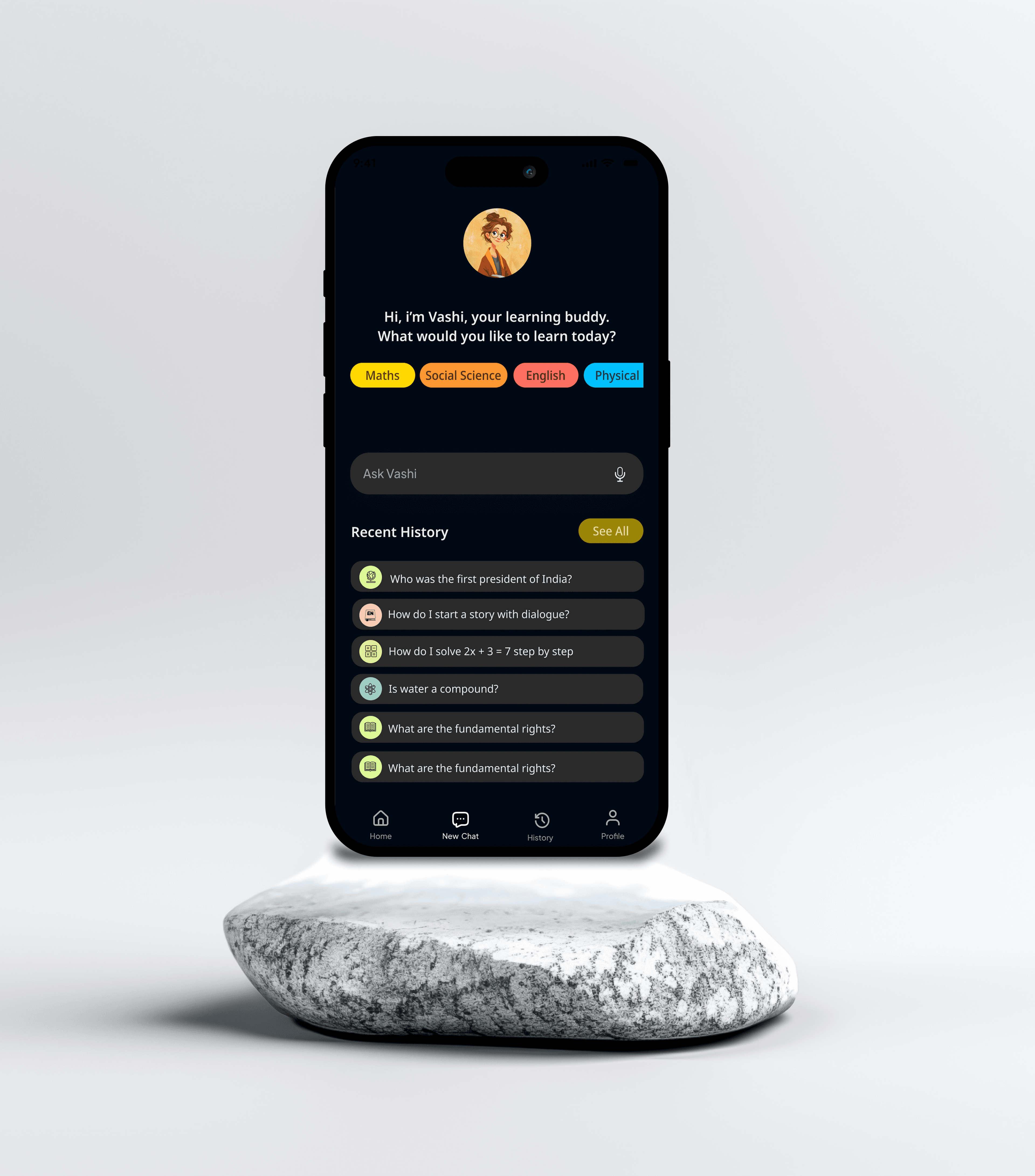
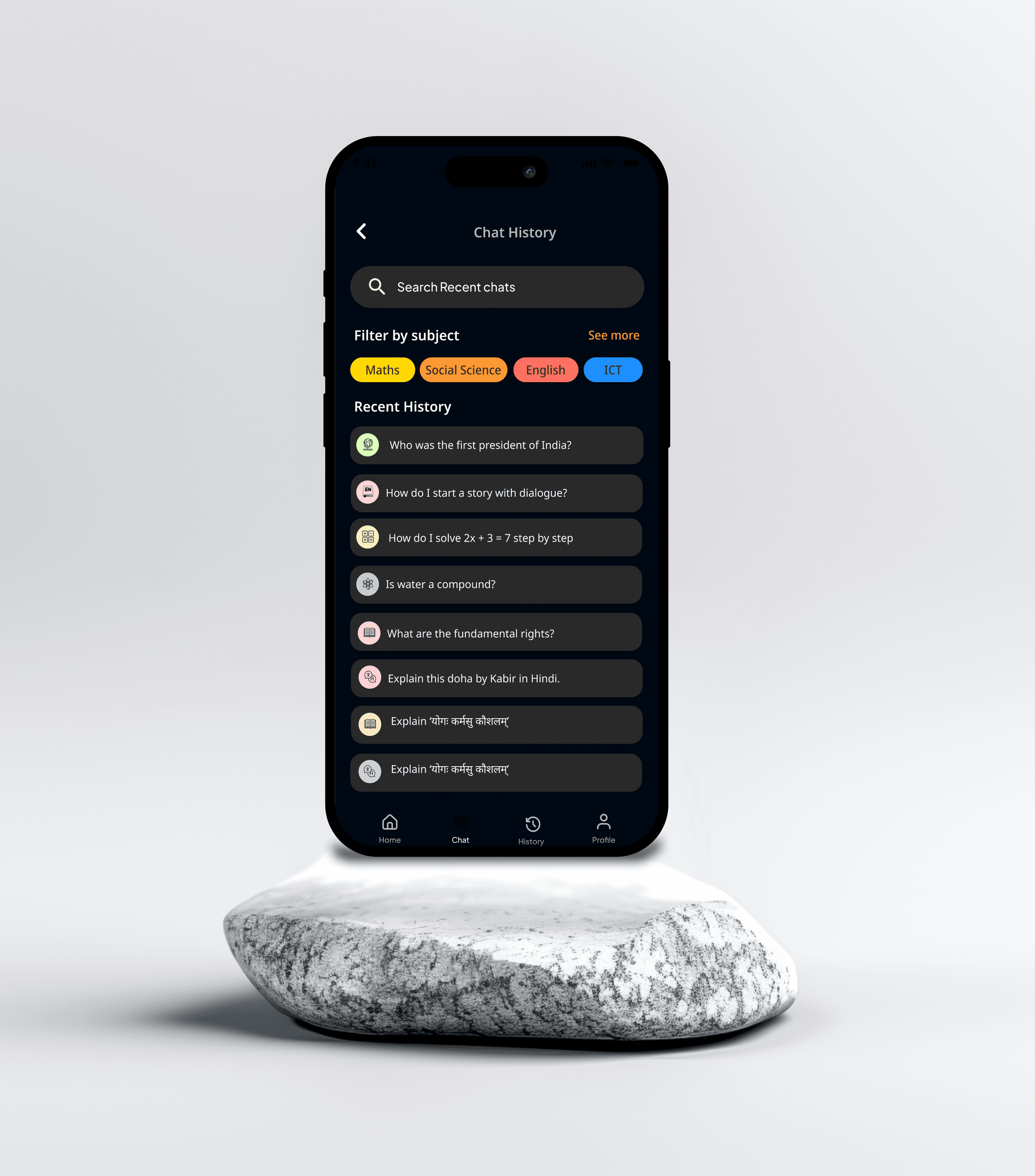
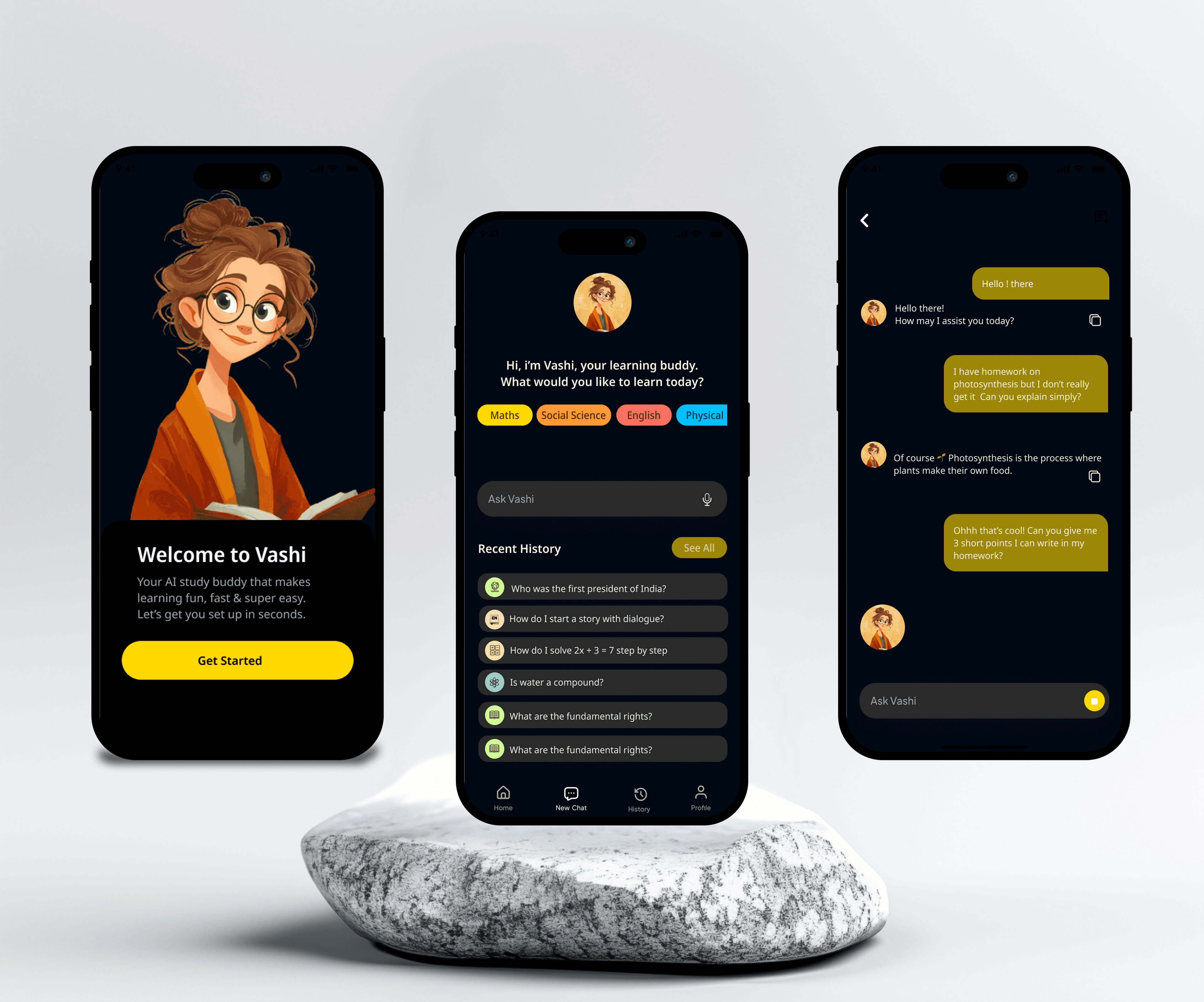
An AI-powered learning app for kids that enables curiosity-driven learning through natural language questions. The app transforms how children learn by allowing them to ask questions naturally and receive age-appropriate, engaging answers.
Role
Product Designer
Timeline
5 months (2024)
Platform
Mobile & Web
Team
1 Designer, 3 Engineers, 1 AI Specialist, 1 Education Consultant
Problem
Traditional learning apps follow rigid curricula that don't adapt to children's natural curiosity. Kids have questions at all times, but parents and teachers aren't always available. Existing educational tools are often intimidating or overwhelming for young learners.
Must be safe and age-appropriate for children
Need to maintain engagement without being distracting
Complex AI responses must be simplified for kids
Approach
Conducted research with parents, teachers, and children aged 6-12. Created child-friendly personas and mapped typical learning scenarios. Collaborated with education experts on content strategy. Designed with a focus on simplicity, safety, and encouragement.
Research
Design
Testing
Iterate
Key Decisions
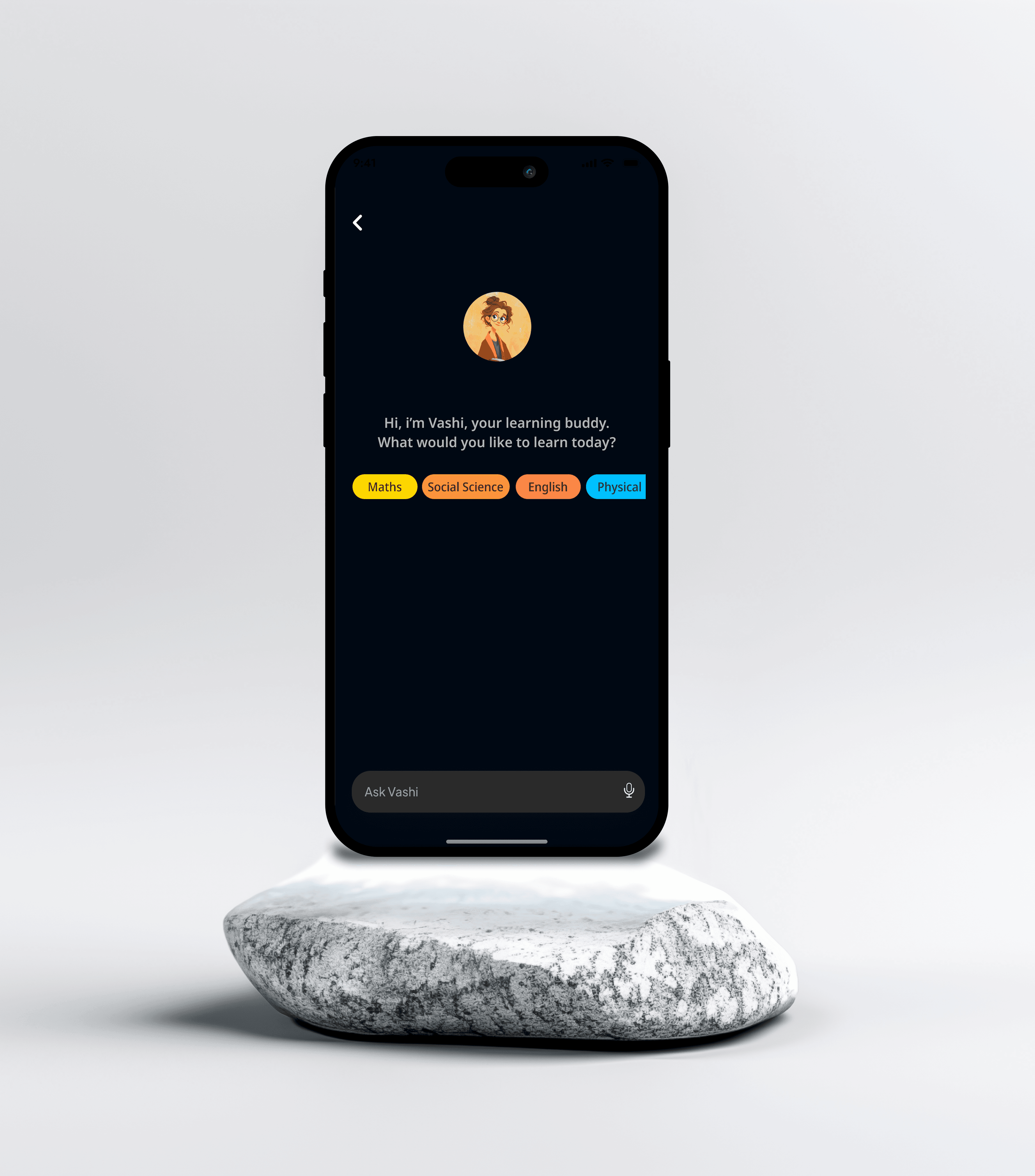
Conversational Interface
Designed the interaction as a friendly conversation rather than a search tool, making it feel natural and approachable for kids.
Visual Learning Aids
Incorporated images, diagrams, and visual examples alongside text to support different learning styles and maintain engagement.
Positive Reinforcement
Added encouragement and celebration for curiosity and learning, building confidence without pressure or judgment.